Homelab
Introduction
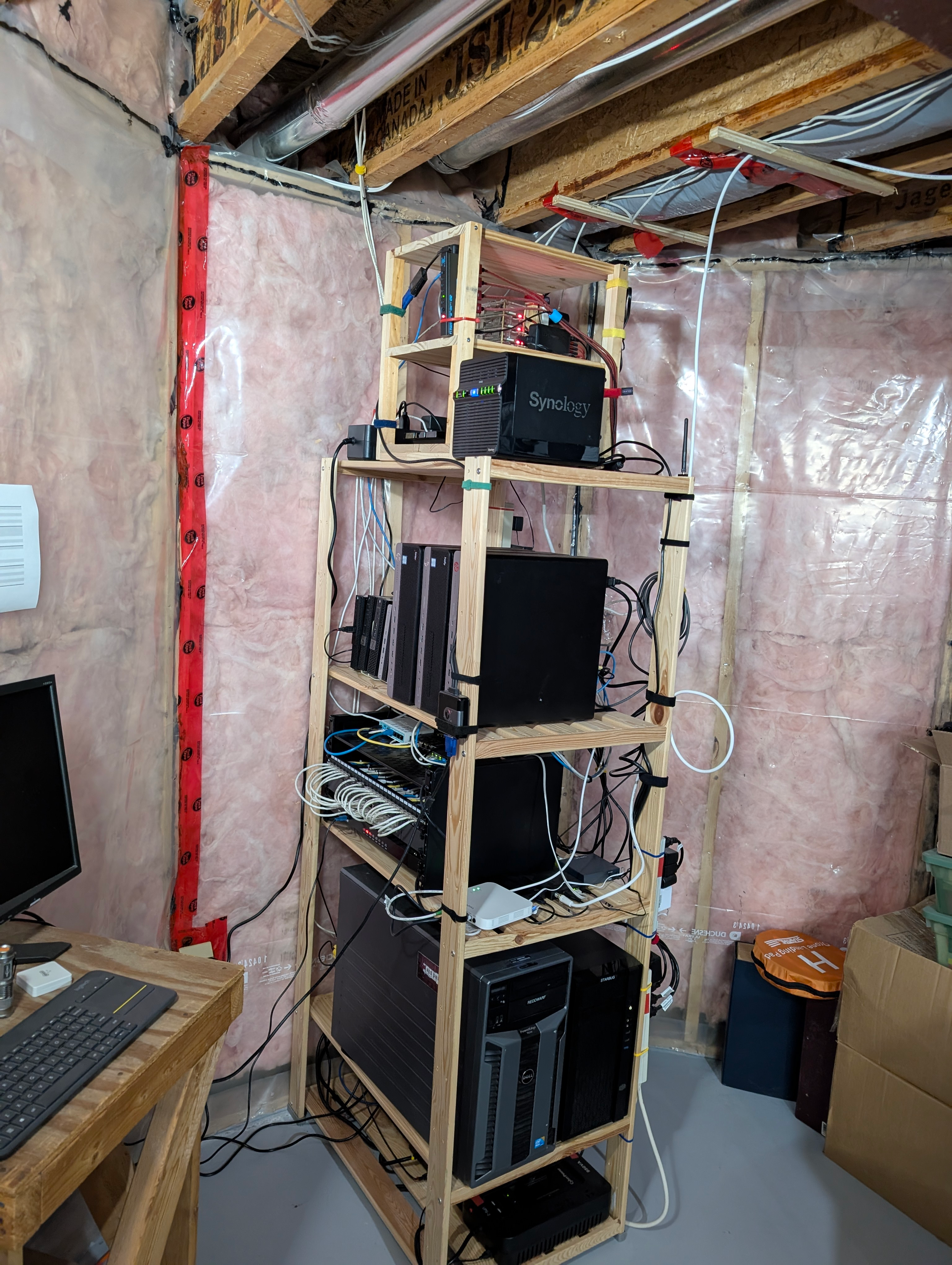
I've a relatively simple homelab, set up to primarily run virtualized workloads.
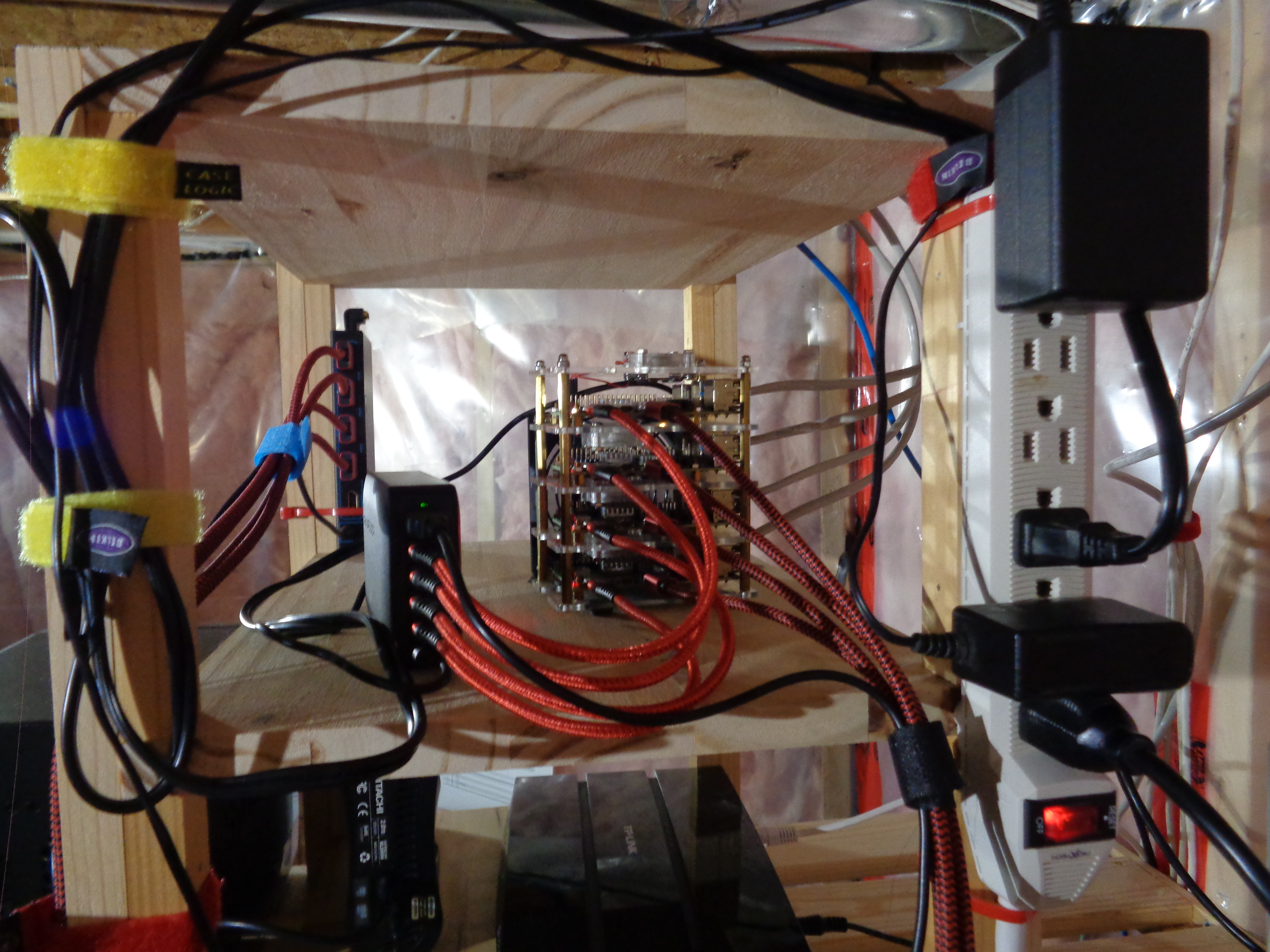
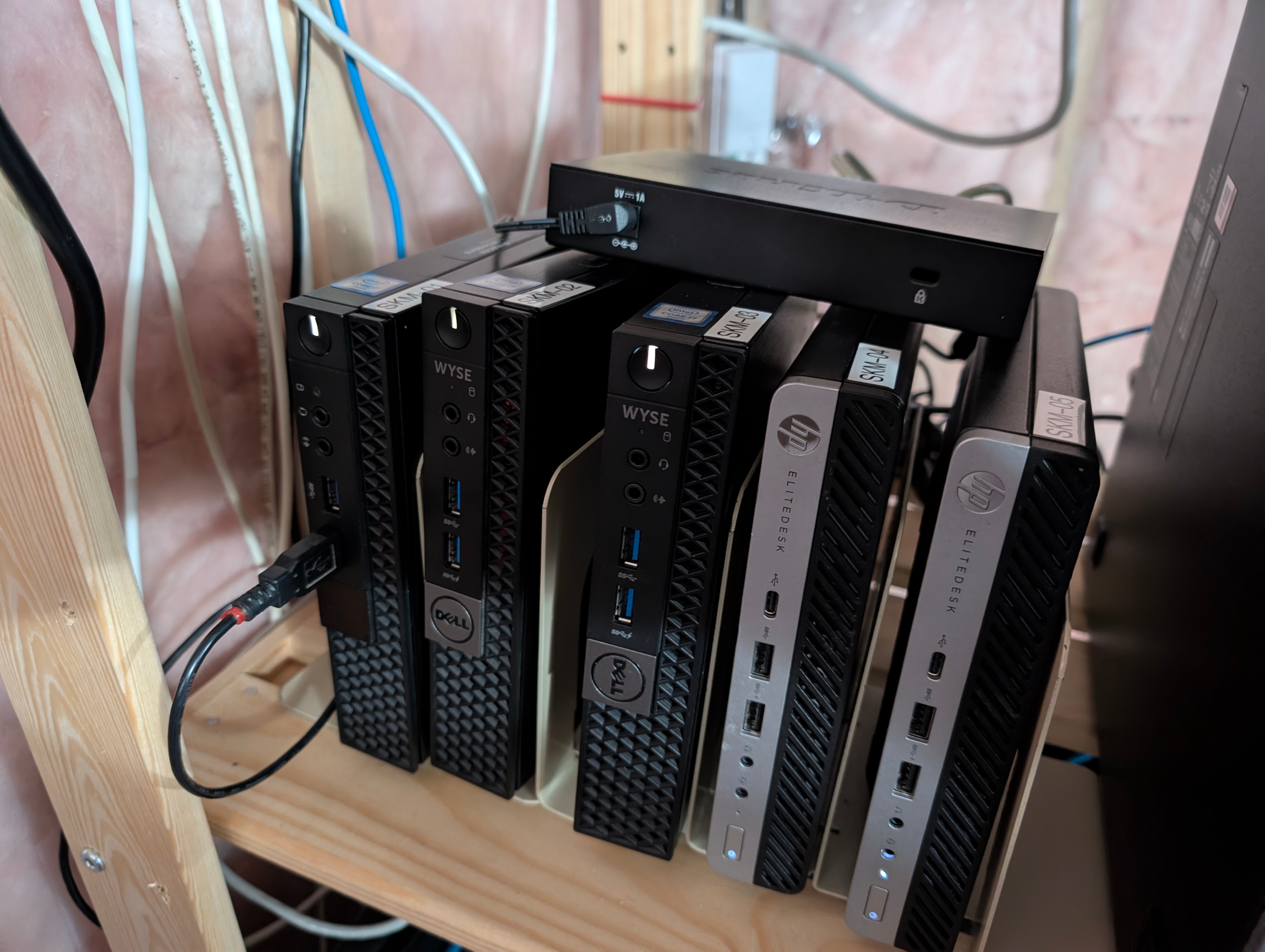
I have two Kubernetes clusters. One is made up of four Raspberry Pi4-8GB's. The second consists of five mini PC's, of which three are Dell 7040, and two are HP Elitedesk 800 G3 Mini. This gives me multi-architecture capabilities, maximizing the flexibility for running workloads of either arm64 or amd64 architecture.
There are also five other physical servers and a Synology NAS. The servers are used as virtualization servers, while the NAS is used as a file server.
Kubernetes Clusters
- Kubernetes clusters;
- Raspberry Pi4-8GB (x4)
- 4 cores (16 cores arm64 node total)
- 8GB RAM (32GB RAM arm64 node total)
- amd64 mini PC's (x5)
- i7-6700te (x3)
- 8 cores (24 cores total)
- i5-6500t (x2)
- 4 cores (8 cores total)
- 32 cores amd64 node total
- 16GB RAM (80GB RAM amd64 node total)
- i7-6700te (x3)
- Raspberry Pi4-8GB (x4)
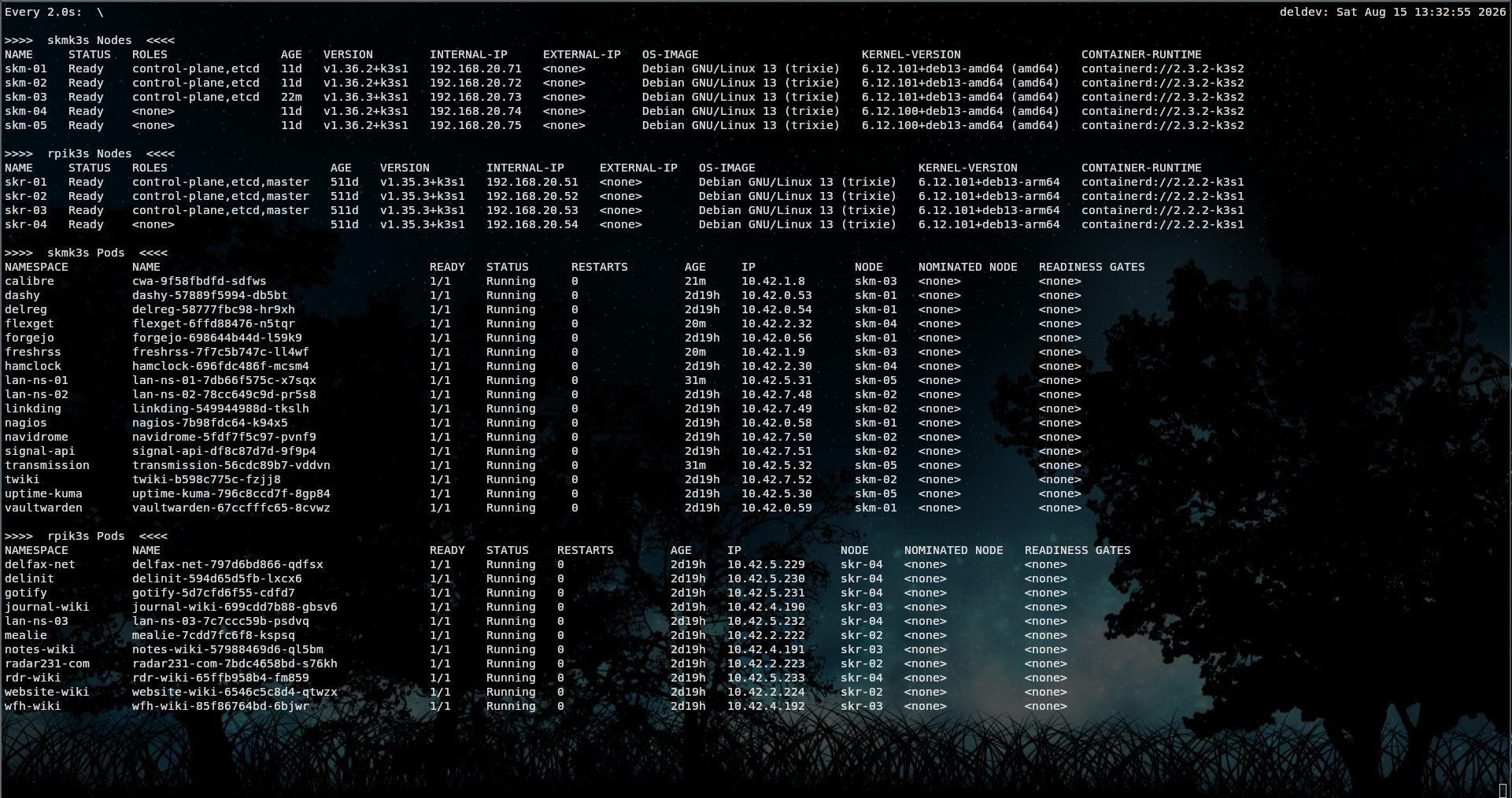
The Kubernetes clusters are the primary location for running workloads on the homelab. The multi-architecture nature means that I can run either arm64 or amd64 workloads.
RPi4 Cluster
AMD64 Cluster
Kubernetes Workloads
Virtualization Servers
Four of the virtualization servers are running non-clustered Incus. The fifth is running Proxmox. Incus is a very stable virtualization platform, ideal for a worry free homelab. Having the Proxmox server allows me to keep up to date with Proxmox technology, and gives me another server for running virtualized workloads, although most of my usage of the Proxmox server is for non-production testing and experimentation.
There are a number of applications running on the virtualization servers, either on system containers or virtual-machines, usually under nested docker instances. These are applications that might not run correctly under Kubernetes, applications under test or development, or simply standalone services.
Incus Server Workloads
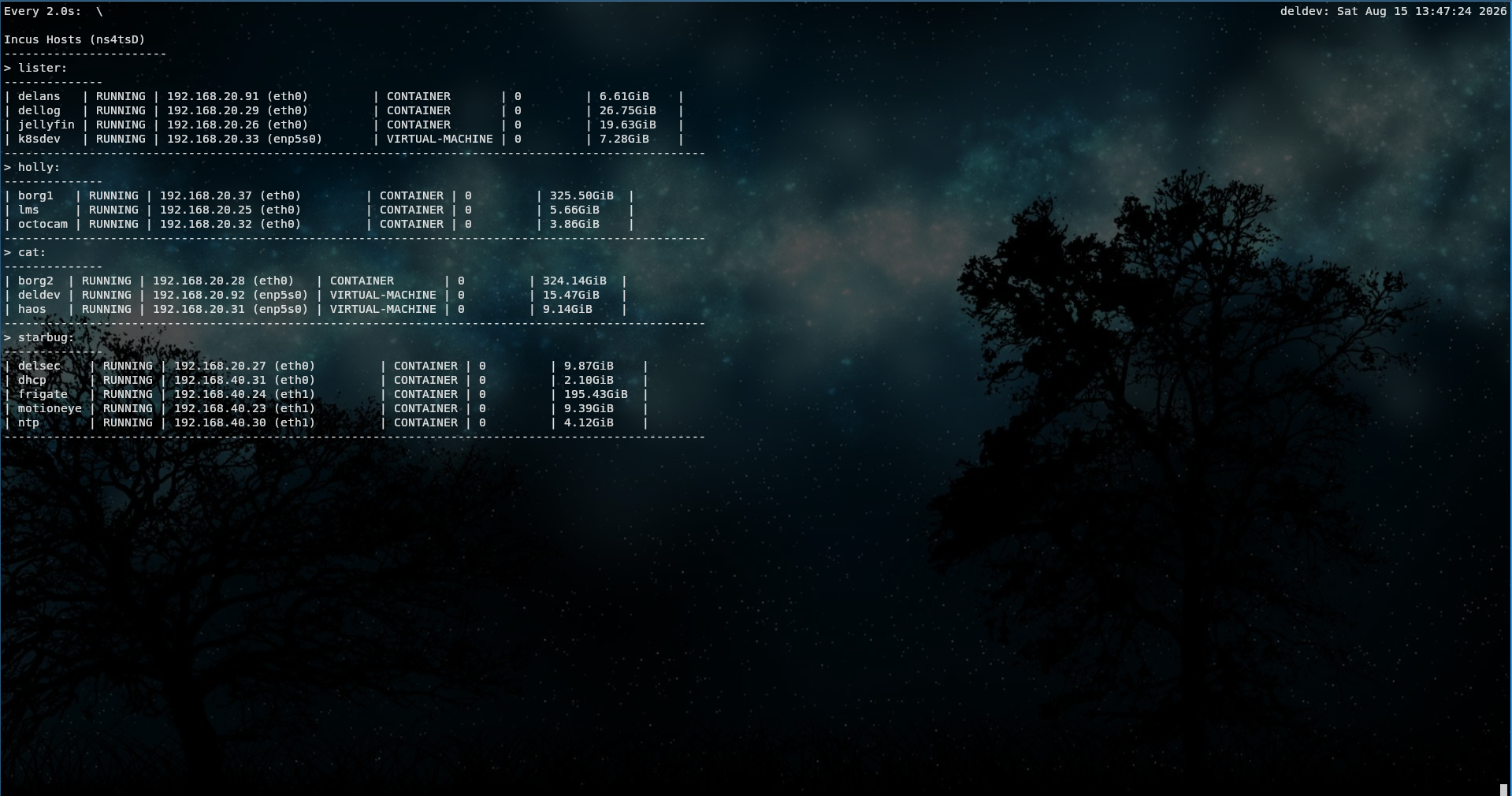
Virtualization Servers
The five virtualization servers are;
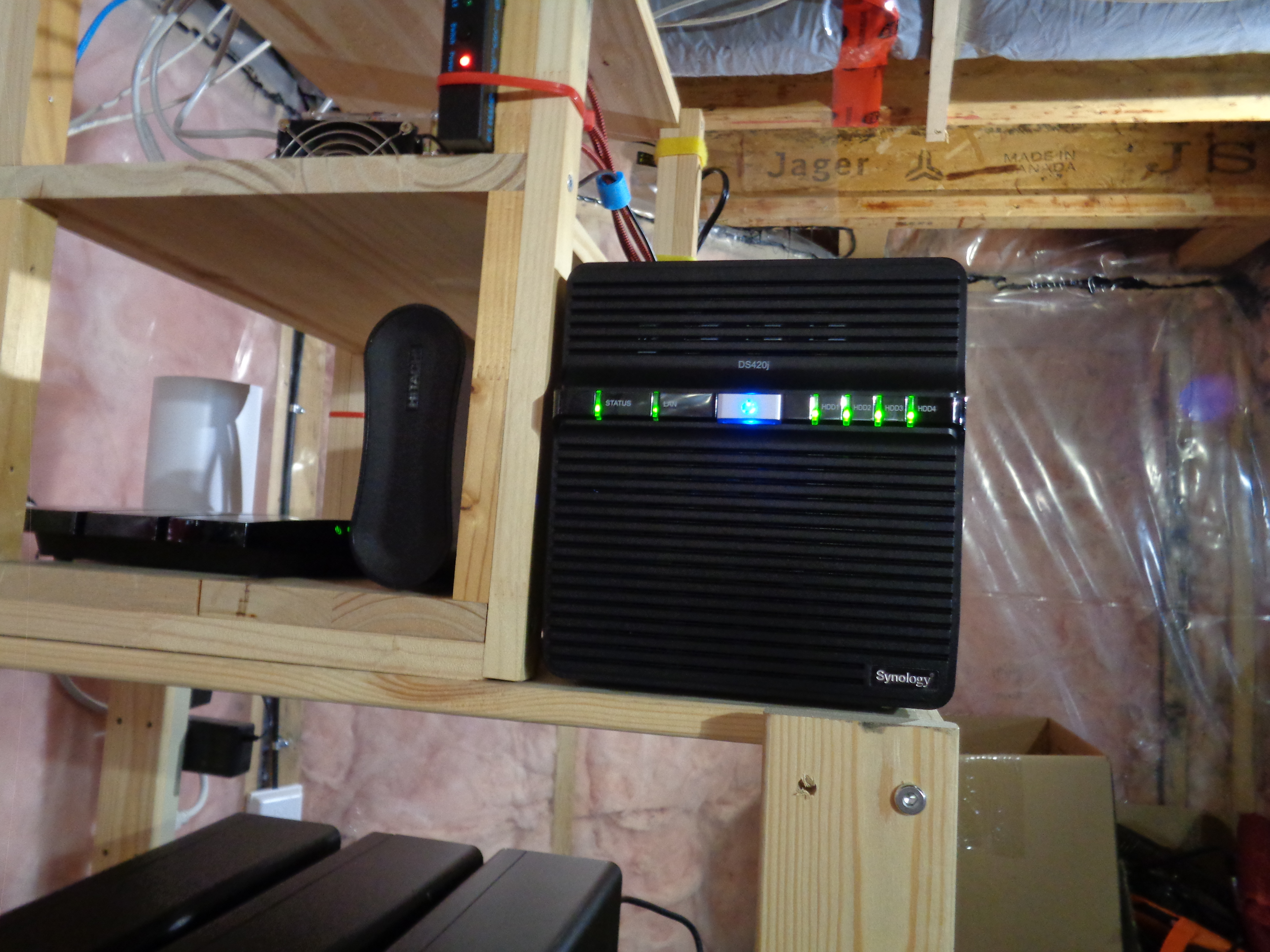
Lister
- Incus 6.0.4 (current LTS)
- HP Elitedesk 800 G3 SFF (Small Form Factor)
- Intel i5-6500 CPU (4 cores)
- 32GB RAM
Holly
- Incus 6.0.4 (current LTS)
- HP Elitedesk 800 G3 SFF
- Intel i5-6500 CPU (4 cores)
- 32GB RAM
Cat
- Incus 6.0.4 (current LTS)
- HP Elitedesk 800 G3 SFF
- Intel i5-6500 CPU (4 cores)
- 32GB RAM
Starbug
- Incus 6.0.4 (current LTS)
- Retired gaming PC
- i5-6500 CPU (4 cores)
- 32GB RAM
Reddwarf
- Proxmox 9.1.5
- Dell T610
- Dual Xeon CPU (24 cores)
- 64GB RAM
- Proxmox testing server
HP Elitedesk 800 G3 SFF Servers
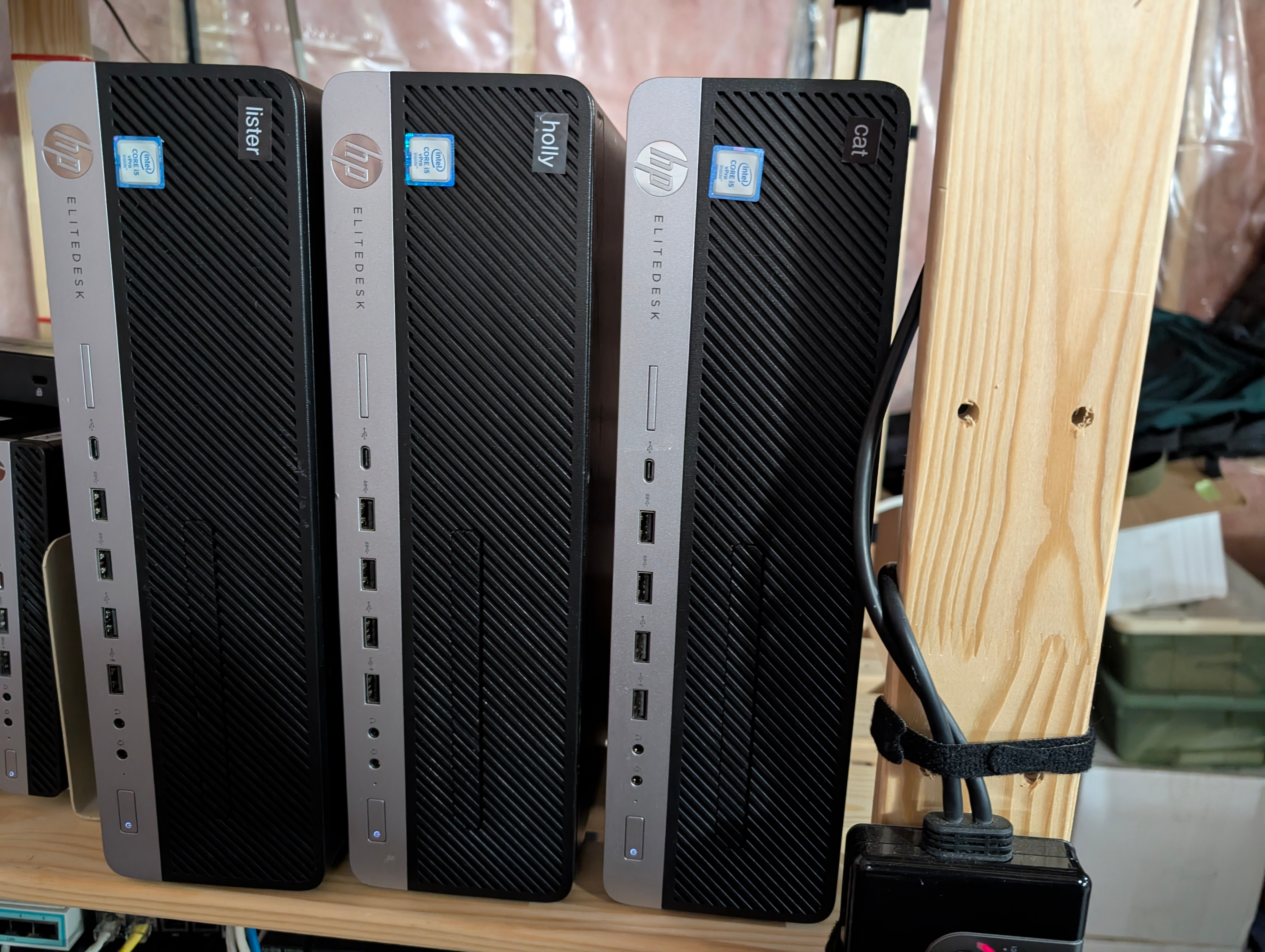
Dell T610 and Old PC Server
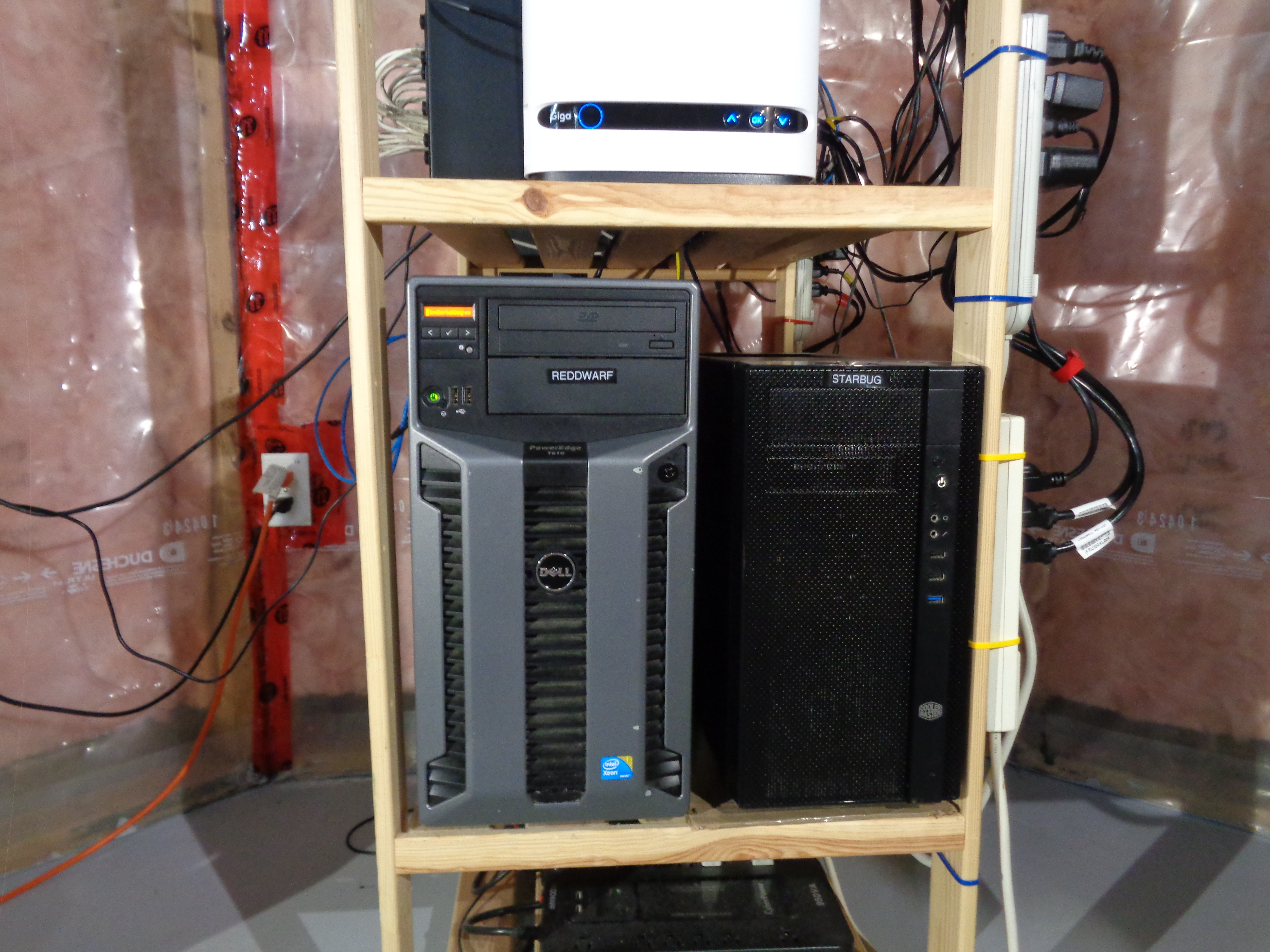
NAS
- Synology DS420J
- Seagate ST3000DM NAS HDDs (x4)
The NAS houses four 3TB HDD's, which are set up in a Synology SHR configuration, providing approximately 9TB of usable space. The NAS provides file shares and media storage for the network. There is also an NFS share, which provides persistent storage to the applications running on the Kubernetes clusters.
There is a 2TB external USB HDD attached to the NAS that is used as a destination for the NAS backups.
Homelab Services
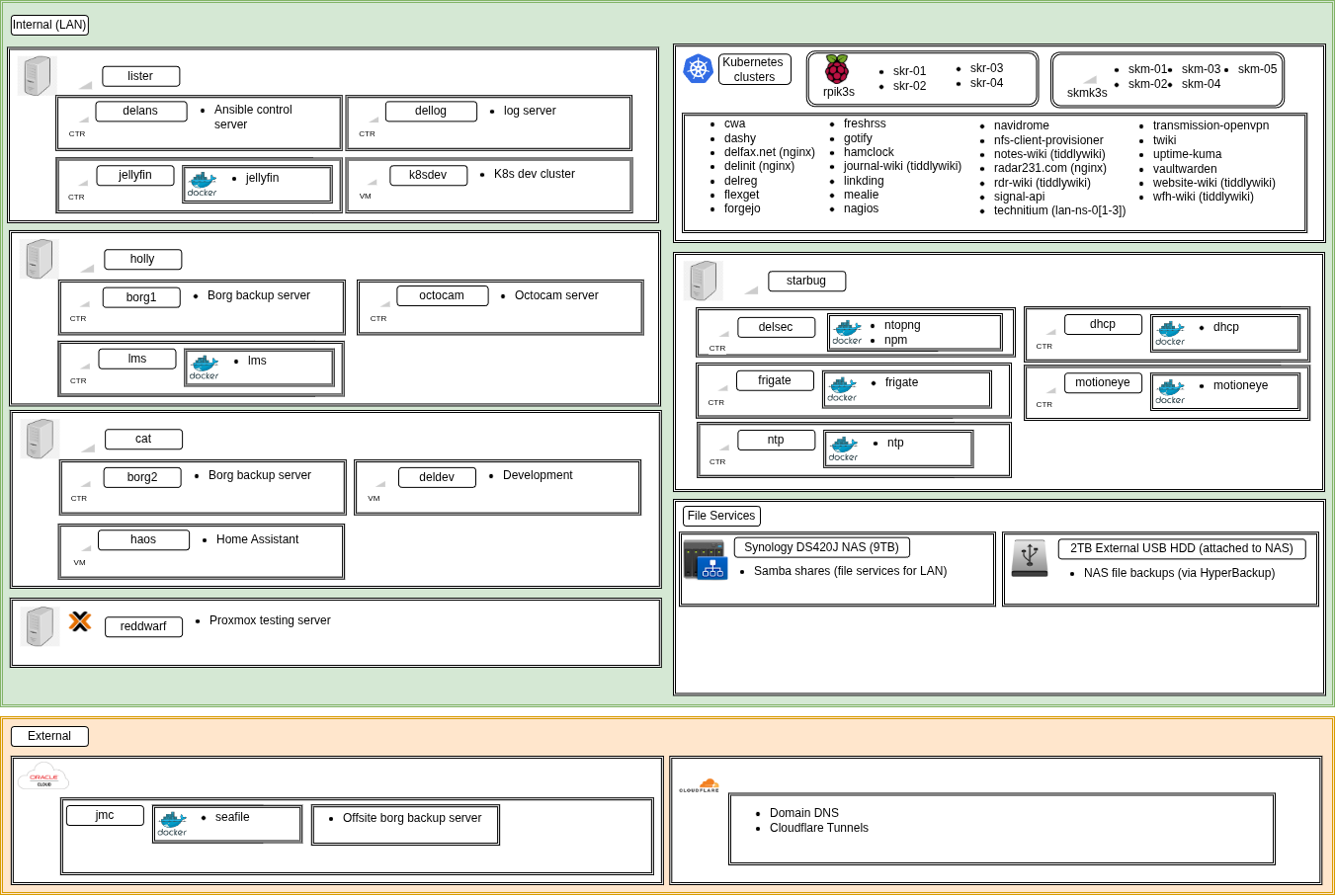
This diagram shows the applications and services currently running on the homelab, and how they are structured.
Monitoring
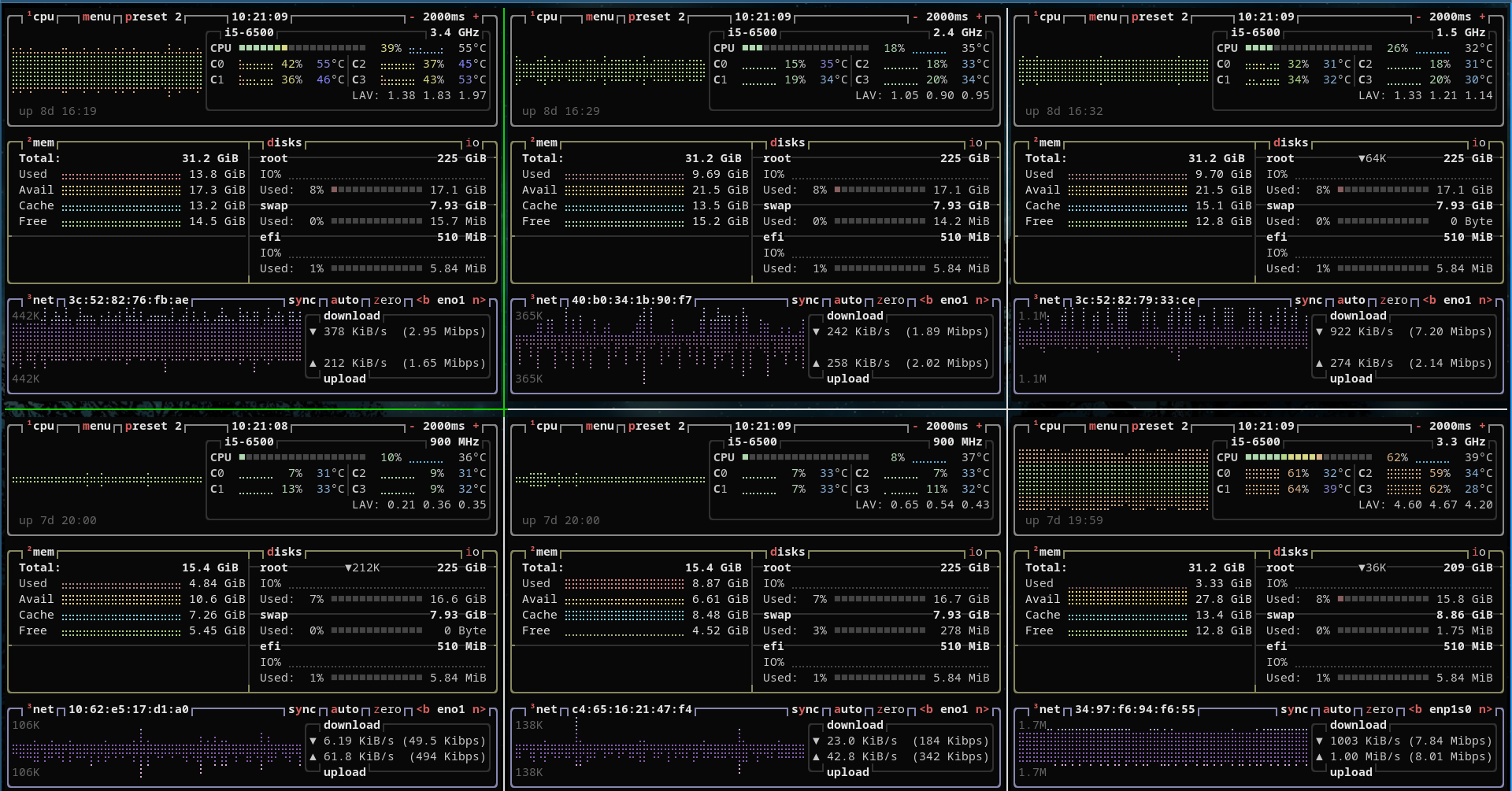
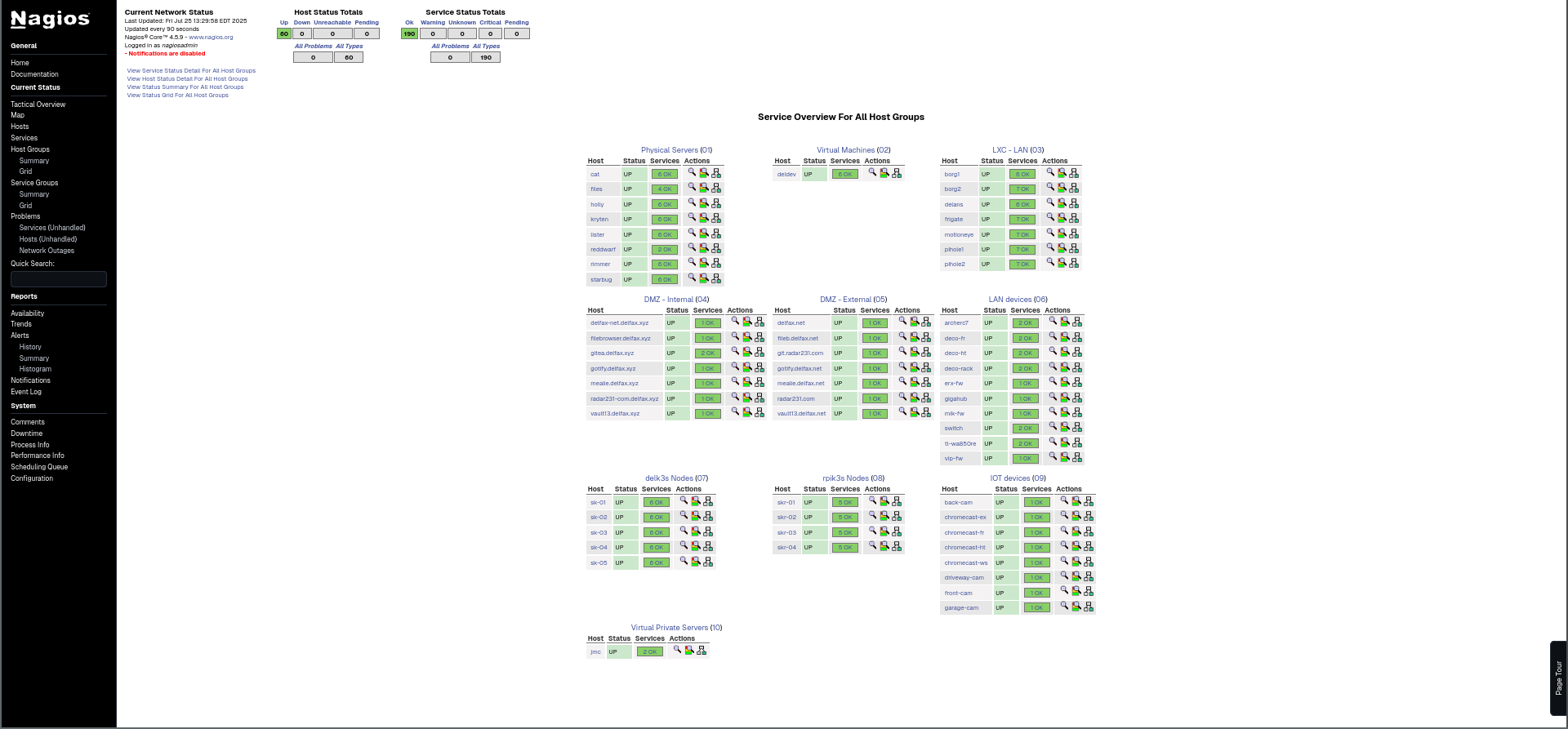
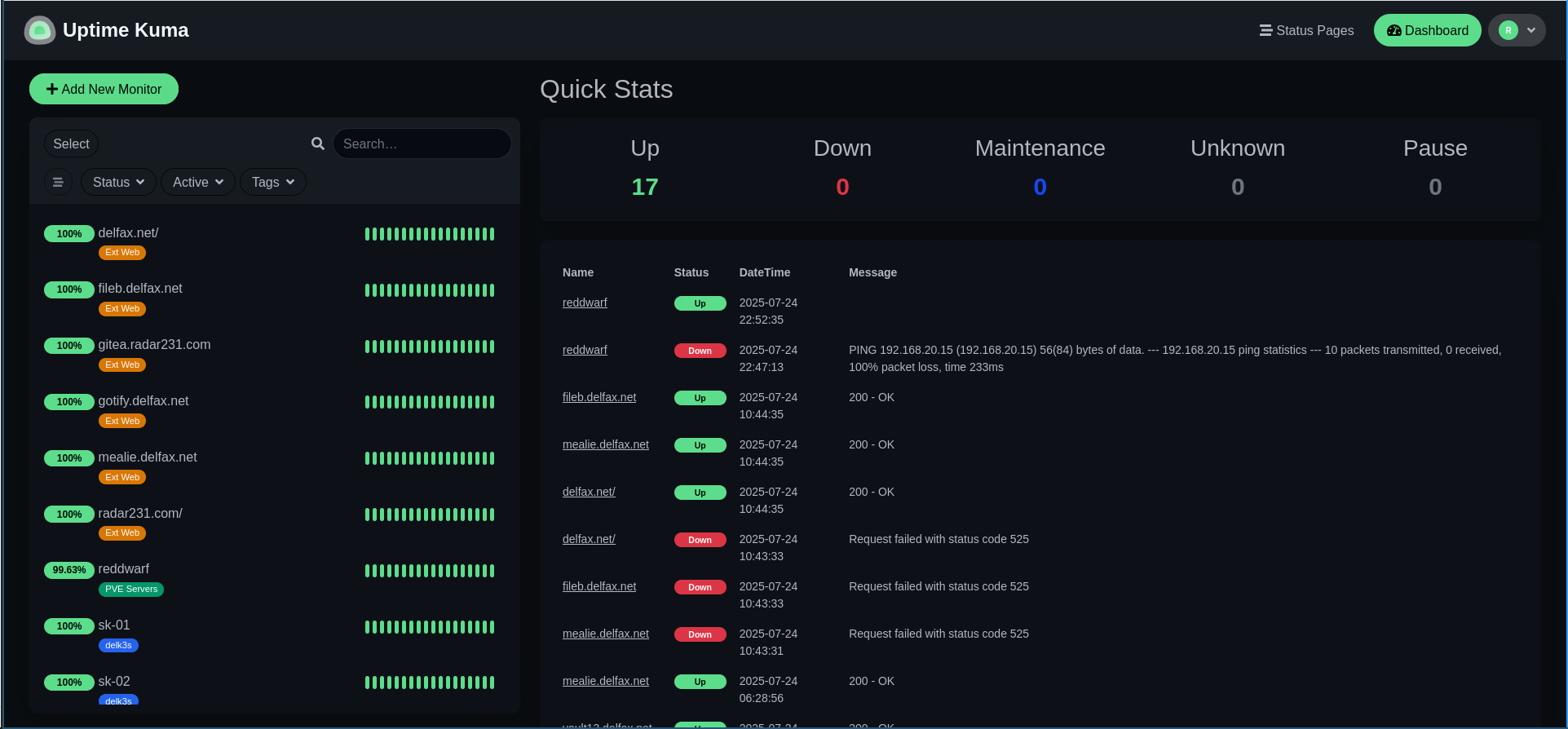
I use a number of tools for monitoring the applications and services running on the homelab, including BTop, Nagios Core, Uptime Kuma, as well as a number of command line management utilities for Incus, Kubernetes, and Docker.
BTop
Nagios Core
Uptime Kuma
Created: 2021-06-10 12:00
Last update: 2026-08-15 21:05